🏆 Winner: Best Overall / Most Impressive Project
Physical AI - Reading Robot
What is a useful but not proven thing a robot arm can do utilizing physical AI?
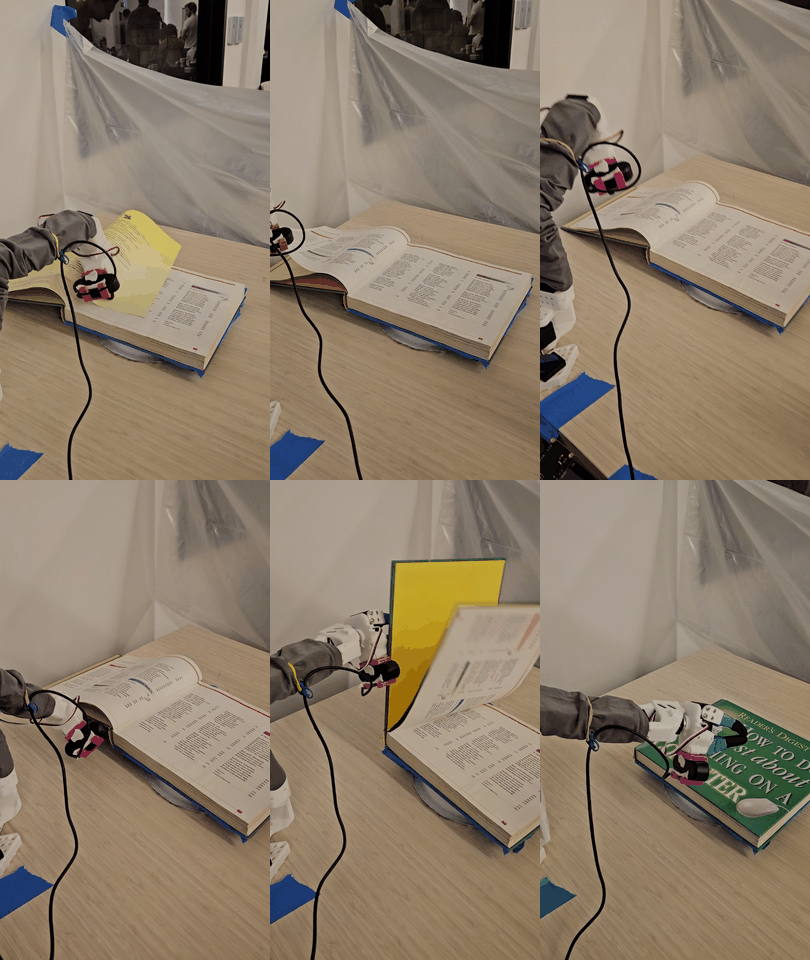
The Problem
Hackathon prompt: Make a robot do a task that is currently challenging in the space…
My take on it: How might we create a screen-free, highly engaging storytelling experience that makes reading more accessible and interactive using physical AI? :)
The Solution
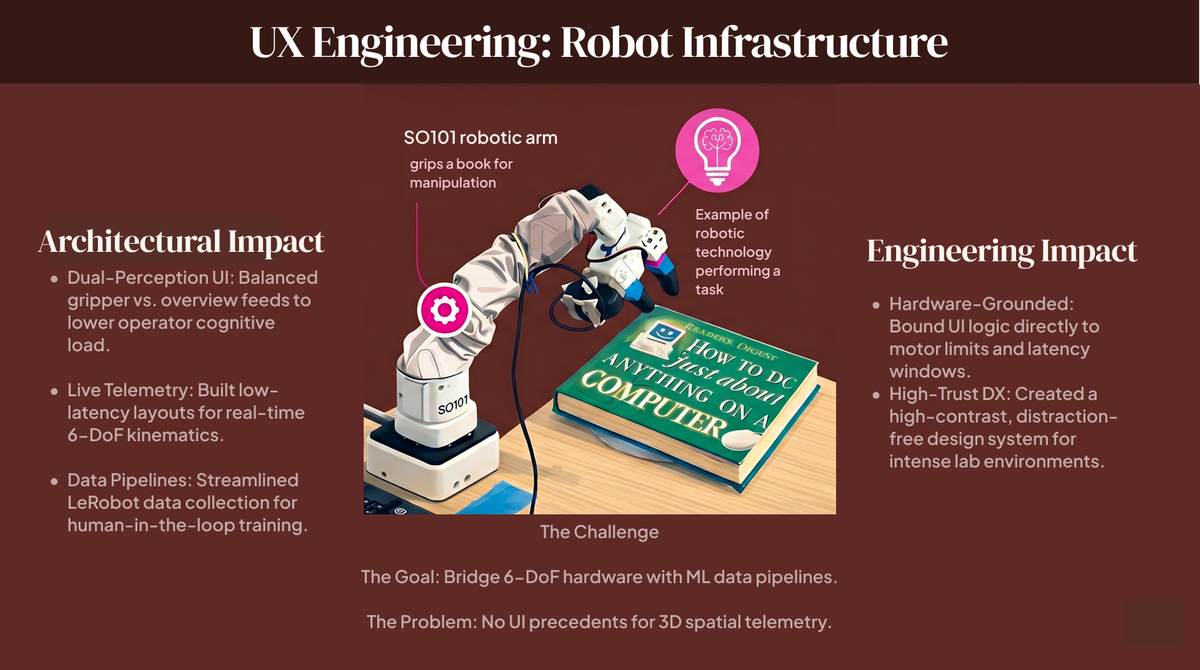
Robot reading demo:
we actually sampled a teammate’s voice for this. This was done to again to reinforce human comfortability.
- • GitHub
- • Antigravity IDE
- • SO-101 Robotic Arm (Solo-CLI)
- • Claude Vision API
- • ElevenLabs Audio
Design Process & Strategy
This or That?
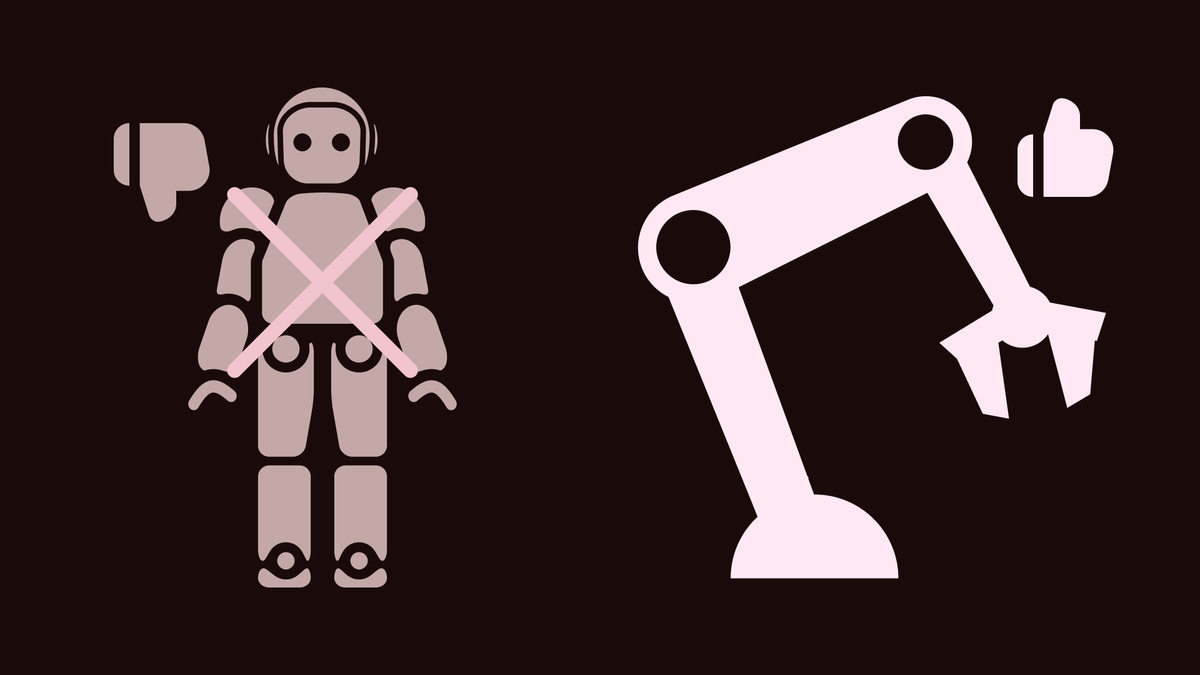
There were a bunch of robots to choose from at the hackathon including a humanoid robot that we really wanted to play with however for purposes we decided that the SO-101 Robotic arm was better. Why? Because it was more easily approachable by people and because the code would be easier to integrate into an arm than the full humanoid robot.
Define User Interaction
Mapped out how a user intuitively approaches, initiates, and stops the robotic arm without complex interfaces.

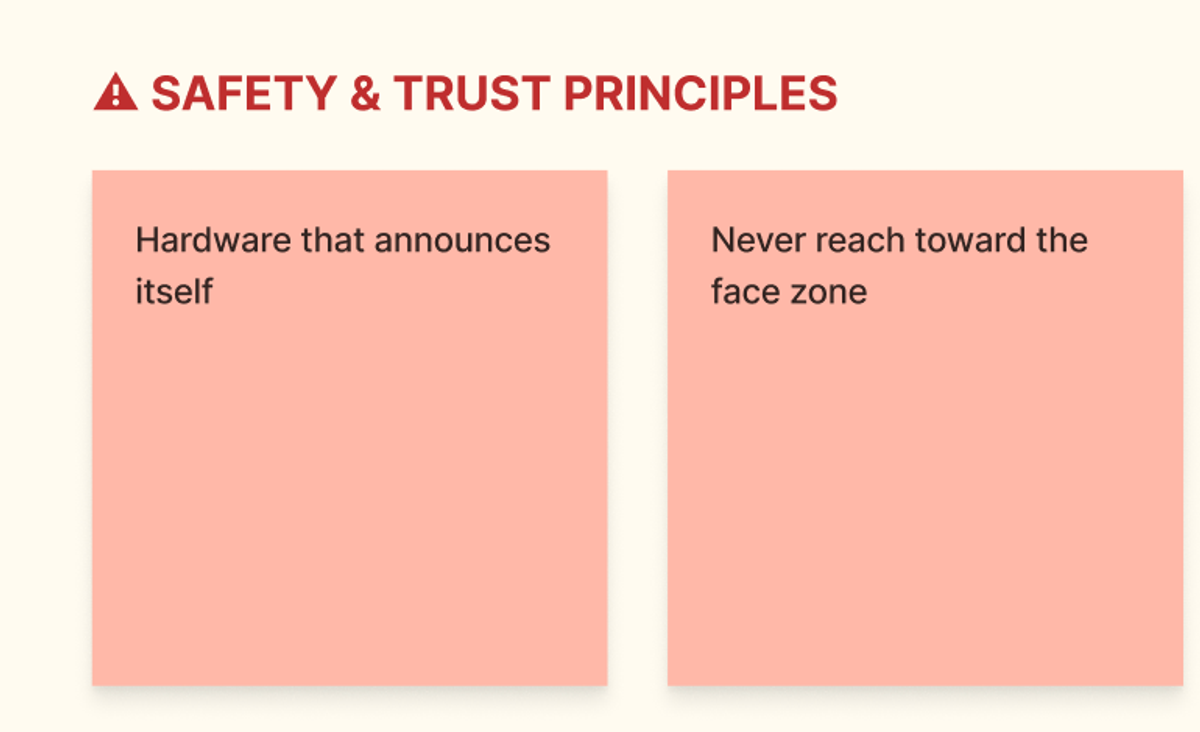
Designed physical constraints and visual/auditory cues so the user felt safe interacting with moving hardware.
AI Integration & Feedback
Selected and tuned the ElevenLabs voice model to sound engaging and natural, matched the pacing of physical page turns.
Communicated the state of the robot (scanning the page, processing text, reading, turning) without breaking the magic of the storytelling experience.
Rapid Prototyping
Tested the interactions in real-time under extreme 48-hour constraints. We validated the timing of the mechanical page turn against the audio playback, ensuring the visual classification (distinguishing content from covers/blank pages) felt seamless to the user.
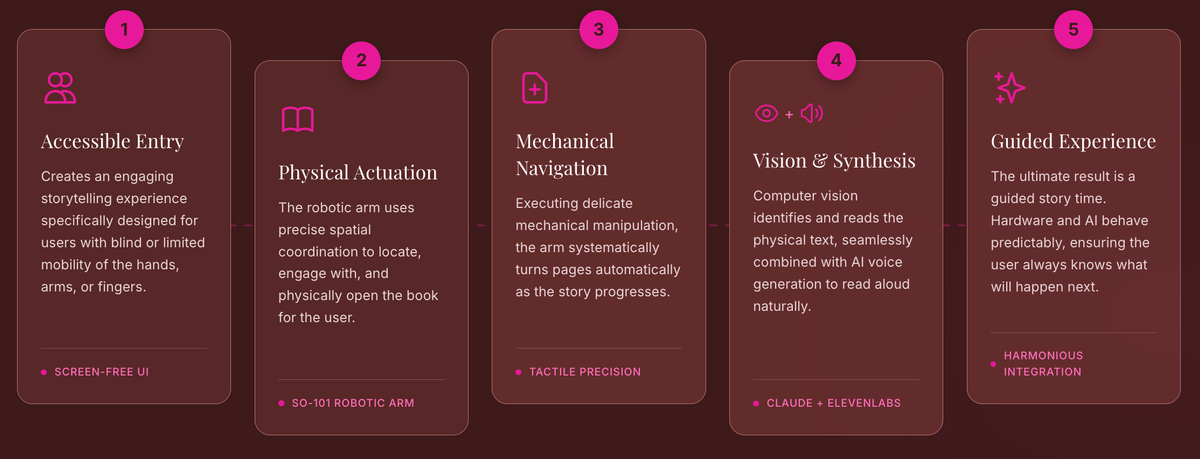
- Engaging storytelling experience for blind or limited mobility of the hands, arms or fingers.
- Opens the book
3. Turns pages
4. Reads aloud using computer vision and AI voice generation.
5. The result feels like a guided story time, where the hardware and AI behave predictably and the user always knows what will happen next.
What I learned & More.
I was one of the few designers in a room full of robotics engineers. Staying human-centered made the difference: the engineering made the robot work, and the design made people want to use it. Physical AI needs both.
I chose the robot we built on (the SO-101 arm over a humanoid), defined the task it would attempt, and brought the physical parts that helped the final demo come together. I also designed how the robot responds to human error, like a page turned wrong or a reader losing their place.
Designing for human error was my idea, and it carried the demo. The robot learned not only what to do but how to do it: when something went wrong, it recovered calmly instead of stalling. That is what made a moving arm feel safe to sit next to.
Out of 45 projects and 300 participants, Ladybug won Best Overall. Judges responded to how friendly the robot felt, the clarity of the idea, and how well it ran live.