🏆Top 5 Finalist
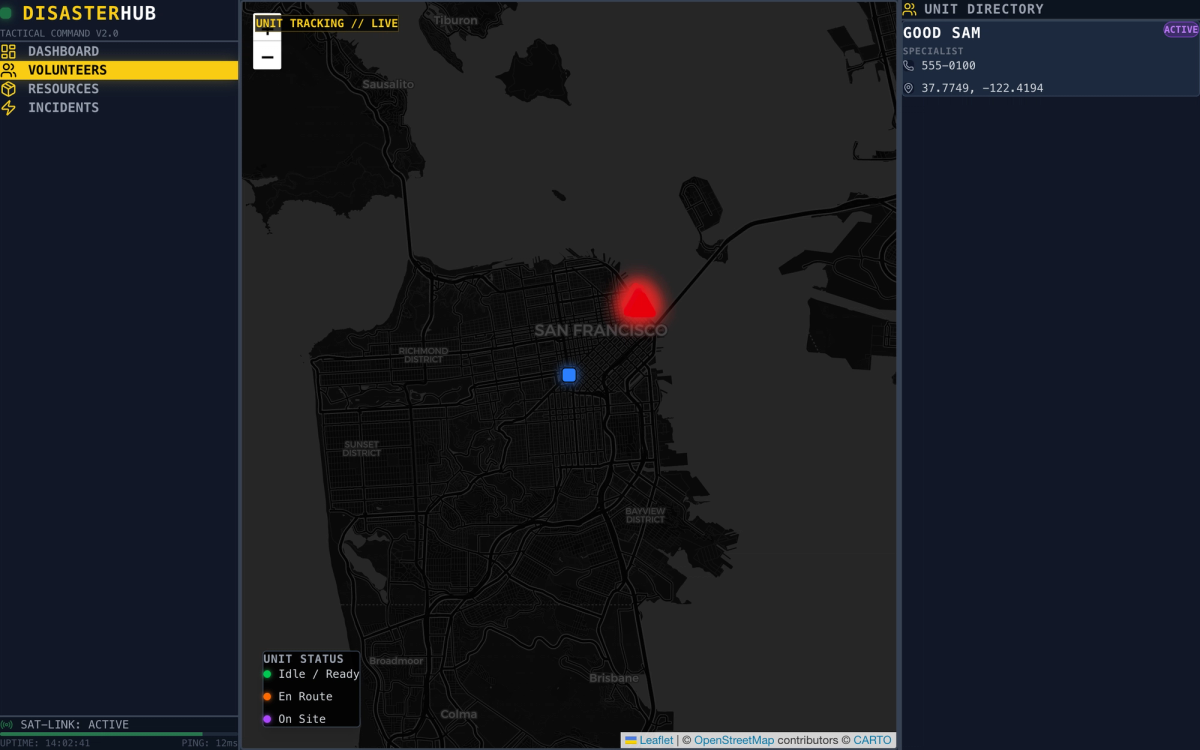
Disaster Relief Dashboard
Did you know it takes Emergency services 2 hours to establish a plan during a natural disaster?
The Problem
In a study of 38 landslides worldwide, 77% of survivors were pulled out by the people next door. When a disaster strikes, the Emergency Response Center (EOC) is flooded with updates while internet and cellular networks can fail...
it's hard to coordinate safely.
Volunteers want to help, but go in blind and they risk duplicating effort or entering unsafe areas.
The gap isn't willingness. It's coordination: how do you direct the people already on the ground when the infrastructure they'd normally rely on is down?
Sources:
When Disaster Hits, Your First Responder Probably Will Not Be a First Responder — ShelterforceHuman response to disasters — Wikipedia
The Solution
DisasterHub is an offline first, dual sided system where AI agents draft tasks from incidents the EOC dispatches tasks to volunteers on site.
- The EOC reviews and approves AI suggested tasks before volunteers see them, protecting chain of command and reducing risk from incorrect instructions.
- On mobile, volunteers can report, view, update tasks even offline, with local storage and clear sync indicators when any connection becomes available.
- • Antigravity IDE
- • Mongo DB Atlas
- • Vector AI
- • Next.JS
- • TailWind CSS
- • Material Design 3
- • WebLLM
Design Process & Strategy
Layer 1 - The Volunteer & The Phone
I built a mobile app that is offline first for volunteers but uses mongo db cloud service when internet is active.
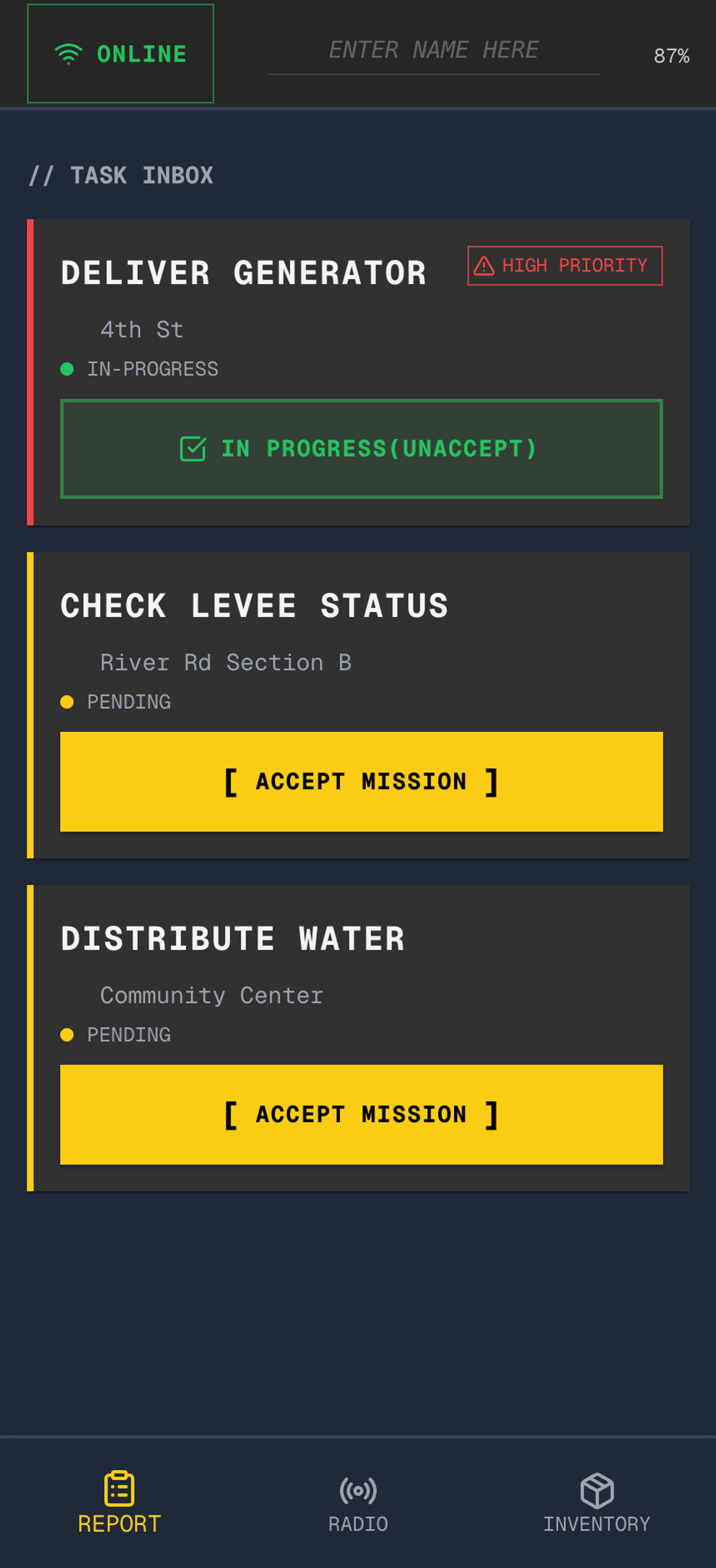
The user MUST know if they are online or offline so this had iterated in.
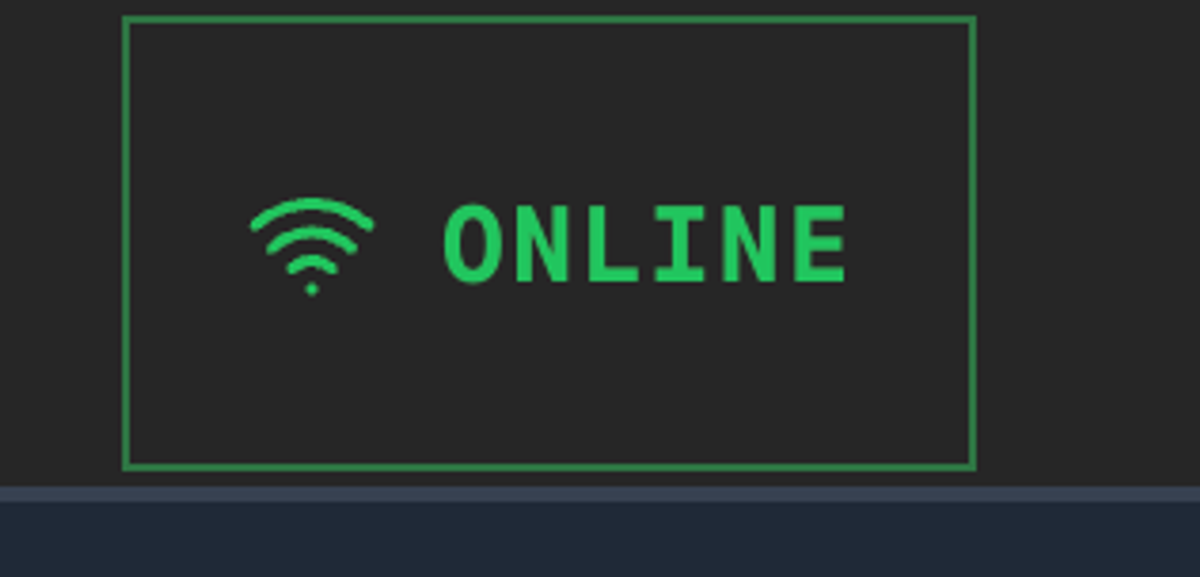
Rooting in color psychology, I chose cautionary colors like yellow, affirmative colors like green and alerting colors like red due to the severity a flood or earthquake can have. This is also why we have a dark theme.
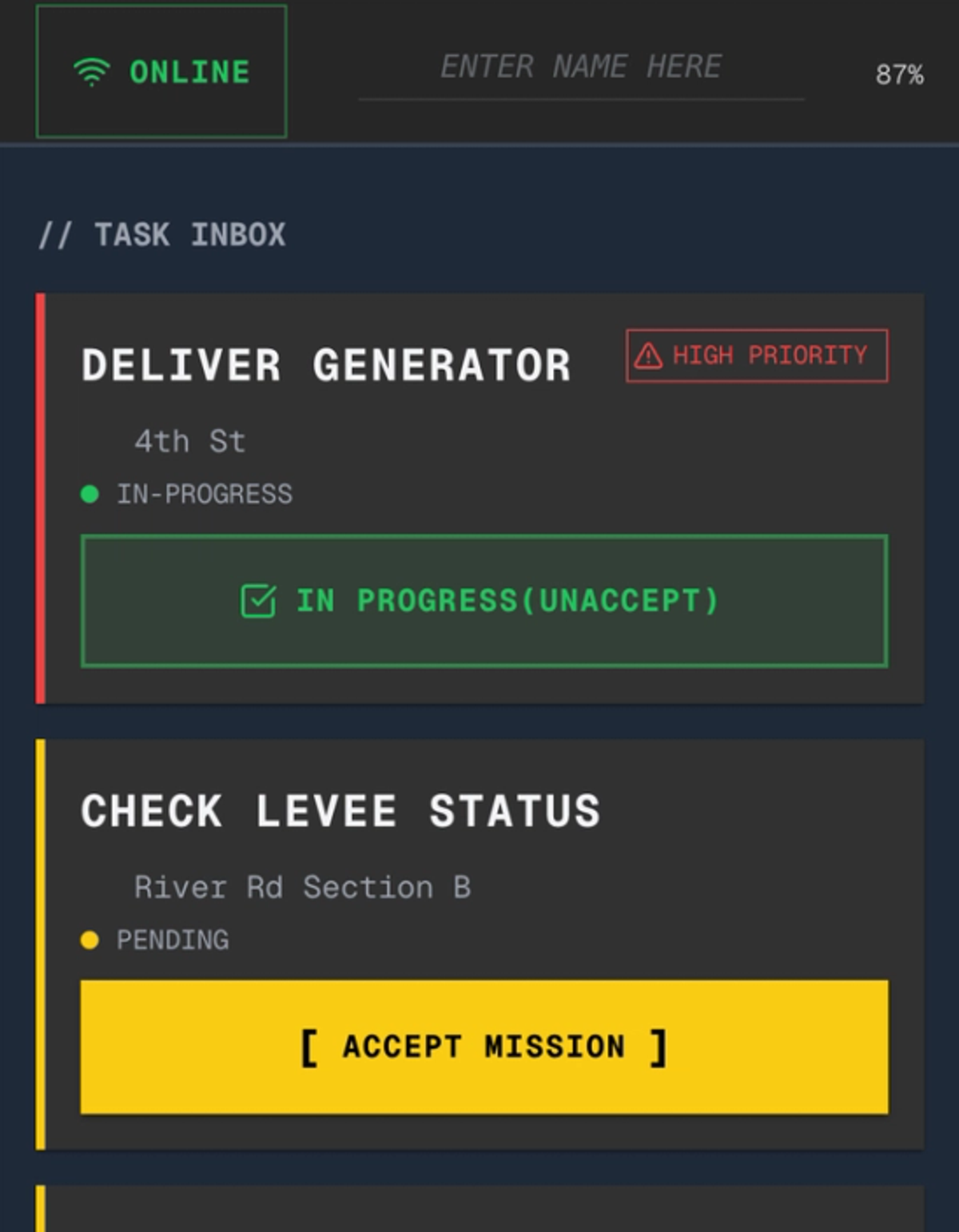
We wanted to show we thought about how the power goes out, so here is the offline layer.
Layer 2 - The Bridge
My background in backends enabled me to come up with the ambitious idea to build 3 apps on 3 different laptops and have them all work together in real time 😅
Before that I planned & defined
Constraint: We had to use online hackathon tools Mongo DB Atlas and Vector AI.
I suggested that we also add an offline layer because during disasters the internet goes out.
How do we bring in a random engineer we just met (A.K.A Leo) who doesn't speak designer?
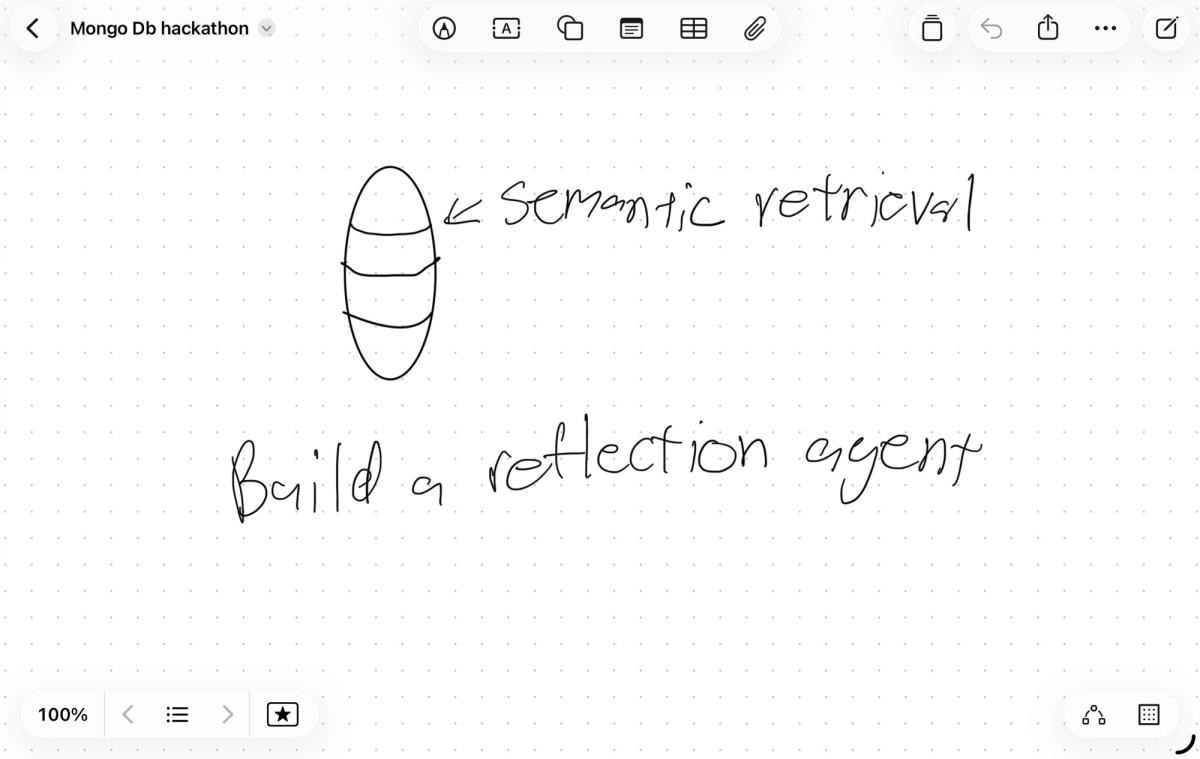
Simple I be designer, I explained the app to our engineer via drawing, this helped Leo understand how the backend would connect both apps for realtime updates.
Layer 3 - EOC Dashboard
The goal was to make sure the desktop app and mobile app had a unified look. Vibecoded by my teammate Vy.